


Top 11 AI Tools That Can Transform Your Work in 2026
Artificial Intelligence (AI) is no longer a future concept. It is already shaping how we write, design, edit videos, analyze data, and even communicate. From freelancers and students to business owners and content creators, AI tools are now essential for saving time and improving output quality.
The best part is that many powerful AI tools are either free or offer generous freemium plans, making them accessible to everyone.
In this article, AppyZone presents the top 11 AI tools for Windows and web users that can significantly boost productivity, creativity, and efficiency.
Best AI Writing, Chat & Productivity Tools
1. AI Assistant & Writing: ChatGPT
ChatGPT is one of the most versatile AI tools available today. It helps users write content, generate ideas, answer questions, summarize documents, and even assist with coding.

Why it stands out:
- Human-like responses
- Supports multiple writing styles
- Useful for blogging, emails, coding, and learning
- Works well for beginners and professionals
2. AI Search & Multimodal Assistant: Google Gemini
Google Gemini is Google’s advanced AI assistant, designed to work deeply with search, documents, and real-time information. It is especially strong at research-based tasks and reasoning.
Why Gemini stands out:
- Strong real-time knowledge
- Excellent for research and analysis
- Integrates well with Google services
- Handles text, images, and code
3. AI Writing & Grammar: Grammarly
Grammarly goes beyond spell checking. Its AI helps improve clarity, tone, and sentence structure in real time.
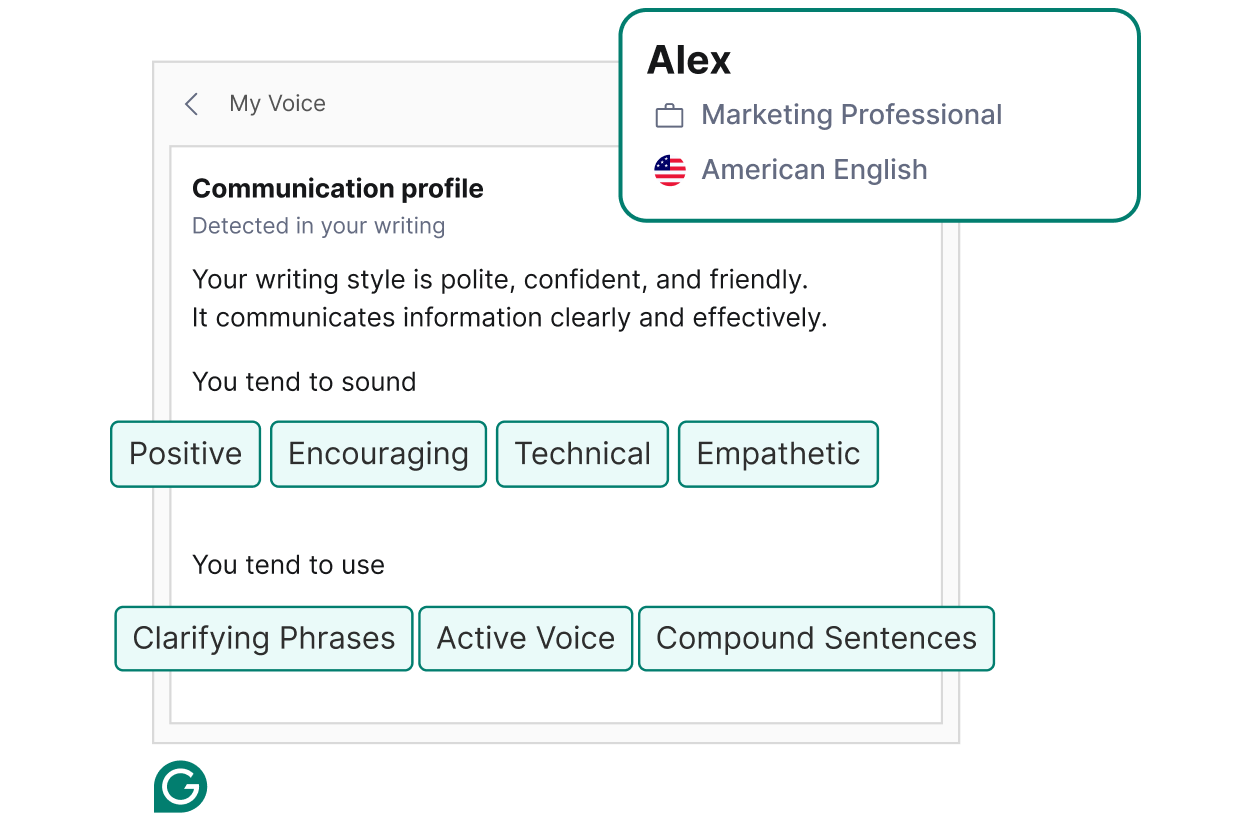
Key benefits:
- Grammar and punctuation correction
- Tone detection
- Plagiarism checks
- Works across browsers, apps, and Windows
4. AI Workspace & Notes: Notion AI
Notion AI turns your notes into a smart workspace. It helps summarize content, generate task lists, and organize ideas automatically.

Perfect for:
- Students
- Project managers
- Content planners
- Remote teams
Best AI Design & Image Tools
5. AI Image Generation: Midjourney
Midjourney creates stunning AI-generated images from simple text prompts. It is widely used by designers, marketers, and artists.

Why people love it:
- High-quality artistic results
- Fast image generation
- Ideal for branding and concept art
6. AI Graphic Design: Canva
Canva’s AI features make design easy for everyone. From social media posts to presentations, Canva helps users create professional visuals quickly.
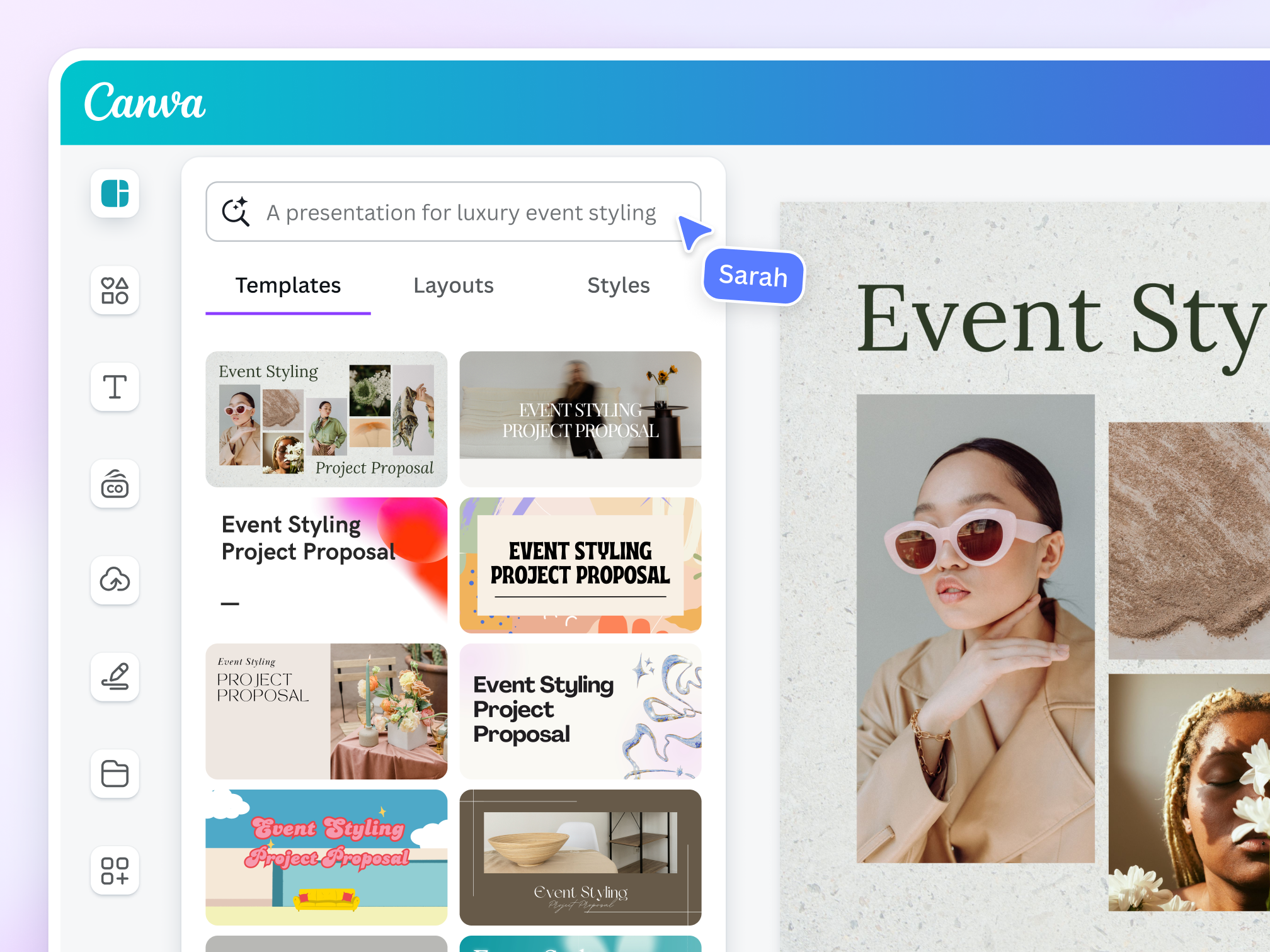
AI features include:
- Magic design layouts
- Background removal
- Text-to-image tools
- Brand kits
7. AI Creative Content: Adobe Firefly
Adobe Firefly is built for creatives who want AI-powered image generation, text effects, and design enhancements with commercial safety.

Best for:
- Designers
- Marketing teams
- Adobe ecosystem users
Best AI Video, Audio & Automation Tools
8. AI Video Creation: Pictory
Pictory converts text and articles into engaging videos automatically. It is ideal for YouTube creators and social media marketers.
Main advantages:
- Text-to-video conversion
- Auto captions
- Stock visuals included
9. AI Audio & Podcast Editing: Descript
Descript changes how audio and video editing works. You edit audio like text, making podcast and video production much faster.
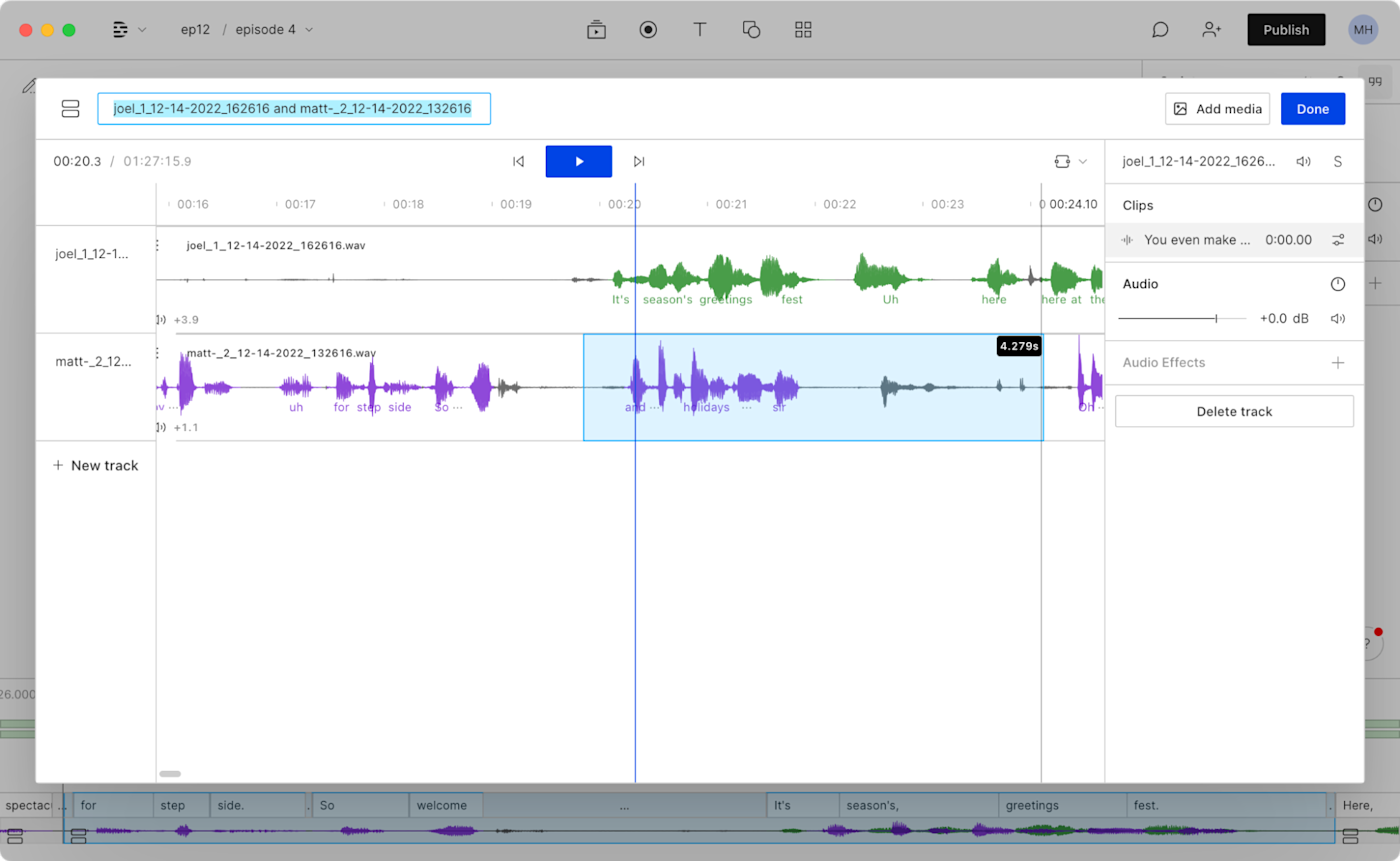
Why it’s powerful:
- Text-based audio editing
- Voice cloning features
- Screen recording support
10. AI Automation: Zapier
Zapier uses AI to automate repetitive tasks by connecting apps together without coding.

Examples:
- Auto-send emails
- Sync data between apps
- Automate workflows
This tool is a time-saver for businesses and freelancers.
AI for Research & Learning
11. AI Search & Research: Perplexity AI
Perplexity AI provides fast, accurate answers with sources. It combines AI responses with real-time web data.

Great for:
- Research
- Fact-checking
- Academic work
- Quick learning
Why AI Tools Matter More Than Ever
AI tools are not here to replace humans. They are here to assist, enhance, and accelerate our work. When used properly, they help reduce manual effort and allow people to focus on creativity and decision-making.
Frequently Asked Questions (FAQ)
1. Which AI tool is best for beginners in 2026?
ChatGPT remains the most user-friendly entry point due to its natural conversational interface. However, for those already using office suites, Microsoft Copilot and Google Gemini are excellent because they work directly inside the apps you already use, like Word or Gmail.
2. Are these AI tools safe for business data?
Most professional-grade tools like Claude Pro, Notion AI, and Grammarly Business now offer enterprise-level encryption and "Human-in-the-loop" governance. To ensure maximum safety, always check if the tool has a "No-Training" policy, meaning your data won't be used to train their future models.
3. Can I use these AI tools for free?
Yes! Most tools on this list follow a freemium model. You can use the basic versions of Canva, ChatGPT, and Grammarly for free. For advanced features like high-resolution video exporting in Pictory or large-scale automation in Zapier, a paid subscription is usually required.
4. What is the difference between an AI chatbot and an AI agent?
While a chatbot (like ChatGPT) answers questions, an AI Agent (powered by tools like Zapier or n8n) can actually perform tasks. For example, an agent can “find a lead, draft an email, and schedule a meeting” without you having to prompt every single step.
5. Will AI tools replace my job in 2026?
Current trends show that AI is not replacing jobs but rather shifting the skill sets required. In 2026, the most successful professionals are those who act as “AI Orchestrators”—using these tools to handle repetitive tasks so they can focus on high-level strategy and creativity.
Final Words
The rise of AI tools has changed how we work on Windows PCs and online platforms. Whether you are a writer, designer, marketer, student, or entrepreneur, these top 11 AI tools can help you work smarter, not harder.
