


KMPlayer: multimedia players
Watching videos and audio on computer and a mobile device is no longer limited to basic media players. Modern users expect smooth audio and video playback, full support for wide formats, Auto subtitle compatibility, and customization options. KMPlayer has remained one of the most popular multimedia players for Windows users because of its flexibility, performance, and extensive feature set.
In this complete guide, you will learn what KMPlayer is, how to install and use it step by step, all major features, supported formats, customization options, and practical tips to get the best experience. This article is written clearly for beginners while still covering advanced features for experienced users.
What Is KMPlayer?
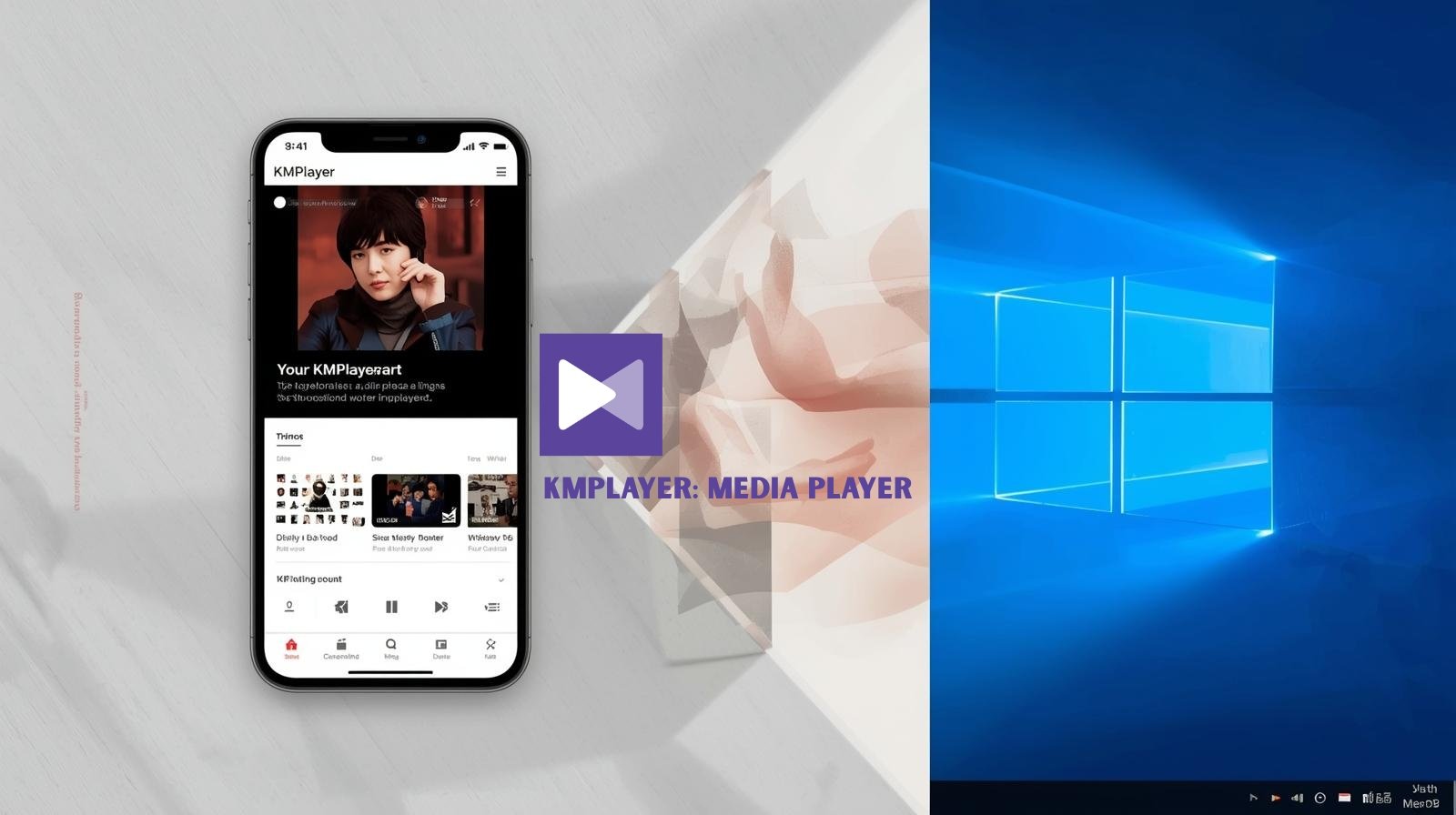
KMPlayer is a free media player for Windows and mobile athat plays video and audio files. It supports a wide range of formats without requiring additional codec installations. KMPlayer is developed and maintained by Pandora TV and has been used globally for many years.
- High format compatibility
- Smooth playback performance
- Advanced subtitle support
- Customizable interface
Why KMPlayer Is Popular Among Windows Users
KMPlayer stands out for combining simplicity with advanced control.
- Plays almost any video format
- Works well on low-end and high-end PCs
- Advanced playback controls system
- Free to use with optional premium features.
System Requirements for KMPlayer
Runs so smoothly on most Windows.
Minimum System Requirements
- Operating System: Windows 7, 8, 10/11
- Processor: Intel or AMD dual-core
- RAM: 2 GB or higher
- Storage: Minimum disk space required
- Graphics: Integrated or dedicated GPU supported
How to Download and Install KMPlayer
Visit the Official KMPlayer Website
Open your web browser and go to the official website to ensure safety and auto updates.
Step 2: Download the Windows Version
Select the Windows version of KMPlayer and start the download.
Run the Installer
- Open the installer file
- Follow the on-screen instructions
- Choose installation preferences
Complete Installation
Finish the setup and launch KMPlayer from the desktop or Start Menu.
is now ready to use.
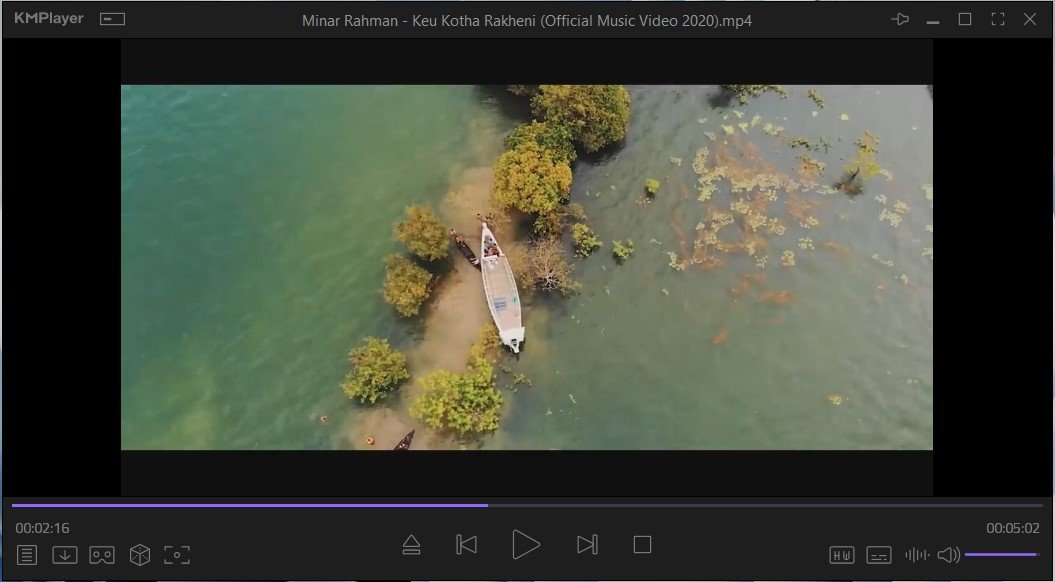
Understanding the Interface
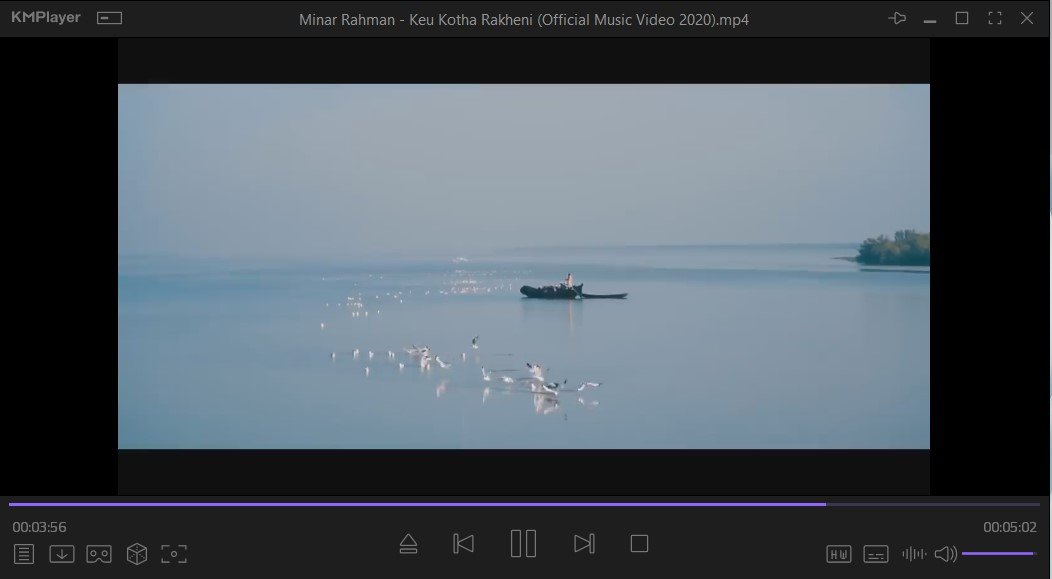
KMPlayer has a clean but powerful interface.
Main Interface Elements
- Playback window
- Control buttons (play, pause, volume)
- Timeline and progress bar
- Right-click menu for advanced options
- Settings and preferences panel
The right-click menu gives access to most advanced features without cluttering the screen.
Supported Video and Audio Formats
One of KMPlayer’s biggest strengths is format compatibility.
Video Formats
- MP4
- MKV
- AVI
- FLV
- MOV
- WMV
- MPEG
- WEBM
Audio Formats
- MP3
- AAC
- WAV
- FLAC
- OGG
- WMA
KMPlayer includes built-in codecs, so external codec packs are usually unnecessary.
Key Features of KMPlayer (Detailed)
KMPlayer gives many features that enhance the viewing experience.
Wide Codec Support
KMPlayer supports most modern and legacy formats out of the box. This eliminates the need to install third-party codecs, reducing system clutter and compatibility issues.
High-Quality Video Playback
KMPlayer supports high-resolution playback, including:
- HD
- Full HD
- 4K
- 8K High Resolution
It uses GPU acceleration when available to improve performance.
Advanced Subtitle Support
Subtitle features include:
- SRT, ASS, SSA support
- Subtitle synchronization adjustment
- Font size, color, and position control
- External subtitle loading
This makes KMPlayer ideal for international content.
Playback Speed Control
KMPlayer allows users to:
- Slow down playback
- Speed up videos
- Maintain audio clarity at different speeds and quality best
Screen Capture and Video Capture
- Capture screenshots from videos
- Save specific frames
- Capture short video clips (depending on settings)
This feature is helpful for educational or review purposes.
Playlist Management
KMPlayer includes playlist tools:
- Create custom playlists
- Save and load playlists
- Automatically play folders
Audio Equalizer and Effects
- Built-in audio equalizer
- Preset sound profiles
- Custom audio tuning
This improves sound quality based on user preference.
3D and VR Playback Support
Some versions of KMPlayer support:
- 3D video playback
- 360-degree video viewing
Lightweight Performance
- Older Windows version
- Low-RAM systems
- Background playback
Customizable Interface
- Change skins
- Customize shortcuts
- Adjust layout preferences
How to Play Videos Using
Open a Video File
Right-click to access:
- Video settings
- Subtitle options
Customize Viewing Experience
Adjust brightness, contrast, playback speed, or subtitle timing.
Create a Playlist
Add multiple files to create a playlist for continuous playback.
Common Keyboard Shortcuts
- Spacebar – Play / Pause
- Up/Down arrows Volume control process
Free Version
- Core playback features
- Wide format support
- Ads may sometimes appear when watching online videos
Premium Version
- Ad-free experience
- Enhanced performance quality
Privacy Considerations
- Download from official sources.
- Installed carefully without optional offers
- Download official site
Basic Problems and Solution
Video Not Playing Issue
- Check file format
- Update KMPlayer
Subtitle Not Showing
- Load subtitles manually
- Check subtitle format
- Adjust subtitle encoding
Audio Out of Sync
- Use subtitle/audio delay settings
- Restart playback auto
- Auto subtitle option available
Tips to Get the Best KMPlayer Experience
- Keep KMPlayer updated
- Customize subtitle settings for readability
- Use playlists for better organization board shortcuts
Who Should Use KMPlayer
- Movie and TV show viewers
- Students watching lectures and podcasts
- Users with diverse media formats
- Low-spec PC users, advanced users who want control
Advantages
- Supports many formats
- Free and lightweight
- Advanced subtitle tools
- Customizable interface
Limitations
- Ads in free version
- The interface may feel complex for beginners
- Some features depend on hardware.
Key Summary point
- KMPlayer is a free/paid media player for Windows and phones.
- Supports most video and audio formats, such as mp4, mp3
- An advanced subtitle customization system is available
- Smooth playback with GPU acceleration
- Capture features included
Finally
KMPlayer is a reliable and flexible free media player for Windows users. Its wide-format support, digital playback, color, and high performance make it a practical choice for everyday media consumption.
Whether you are watching movies, lectures, or high-resolution videos, KMPlayer offers the tools you need without unnecessary complexity. For users who value control, compatibility, and performance, KMPlayer remains a strong option.
DOWNLOAD

